




 Go Pro





EaseDone AI - All-in-One AI Assistant for Everyone
Powered by advanced AI models such as Gemini, GPT, Claude, Qwen, etc., EaseDone AI makes your daily work easier without switching applications. Chat with AI to generate images, write essays, solve math problems, analyze files & images, create visuals, and so on.



Trusted by millions of users worldwide




Seedream 5.0 Lite: The AI Image Generator Built for Smarter, Sharper Creation
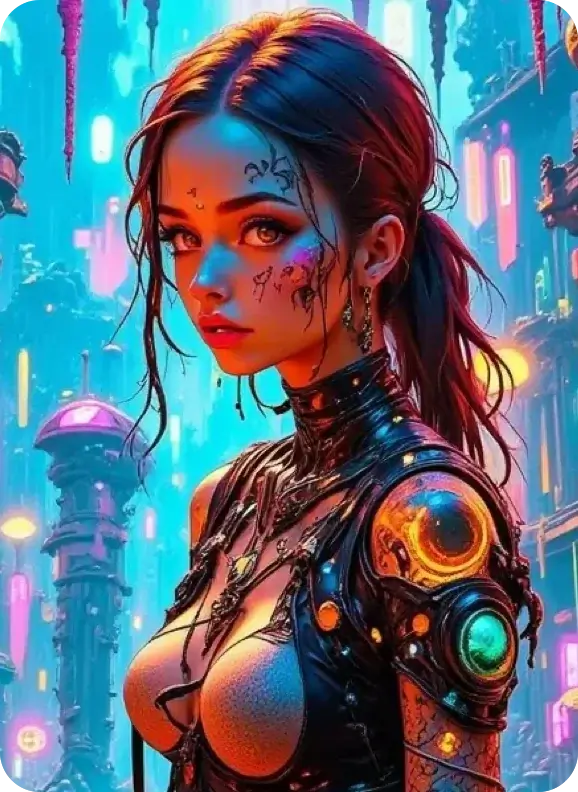
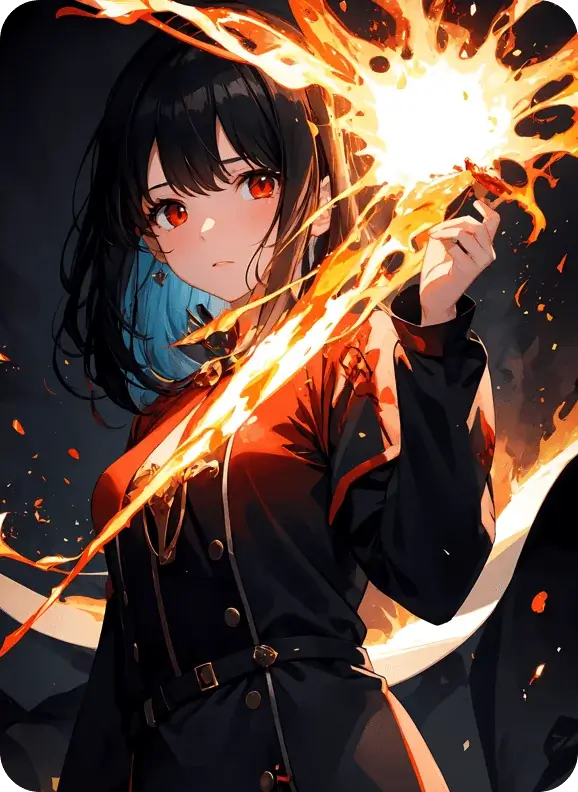
Seedream 5.0 Lite is ByteDance's latest AI image generation model, built to think before it draws. From marketing graphics to product mockups to social content, the Seedream 5.0 Lite image generator gives designers, marketers, and creators a faster path from idea to finished image.
Smarter Prompt Reasoning
This version introduces multi-step reasoning into the generation process itself. It can work through spatial relationships, logical sequences, and real-world structure, which means fewer weird results when your prompt involves multiple objects, precise positioning, or cause-and-effect scenarios.

Better Reference Image Understanding
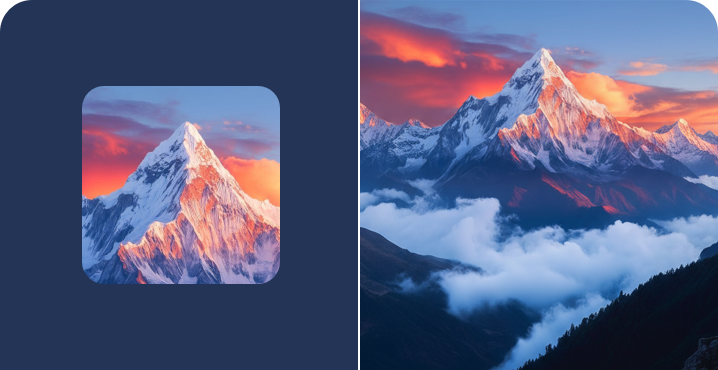
Upload a reference image, and Seedream 5.0 Lite picks up on style, characters, objects, or layout cues to guide the new generation. This makes it easier to maintain a consistent visual direction across multiple images rather than starting from scratch each time.
Stronger Image Editing Capabilities
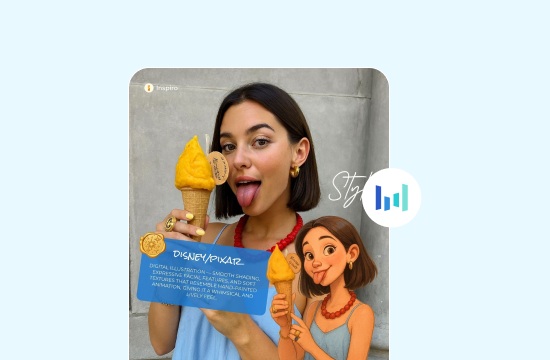
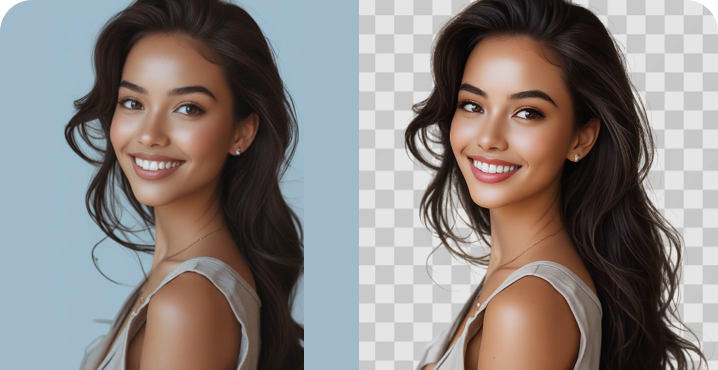
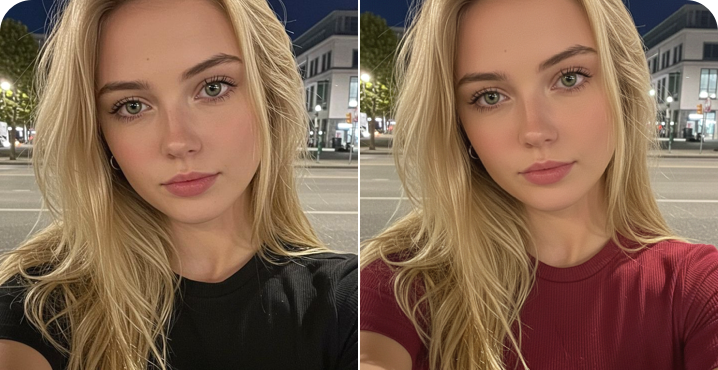
Seedream 5.0 Lite supports AI-powered editing that preserves the details that matter, like facial features, lighting, and color tone, while applying the changes you ask for. That means you can adjust an existing image without losing the identity or mood of the original.

Built-In Knowledge and Text Rendering
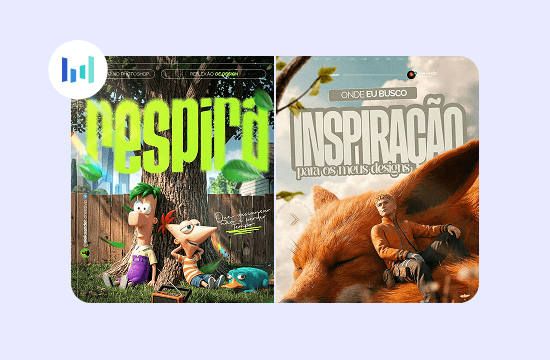
The model comes with a broader knowledge base covering both technical and everyday topics, which helps it generate more accurate diagrams, infographics, and text-heavy visuals. Typography and on-image text render more cleanly, making it a solid choice for posters, labels, and layouts where legible text matters.
Why Choose Seedream 5.0 Lite

High-Quality AI Image Generation
Seedream 5.0 Lite produces polished, professional-looking visuals thanks to its improved cross-modal understanding, which helps it capture the finer details of both your prompt and any reference images you provide.

Better Prompt Understanding
Complex, layered, or ambiguous descriptions no longer trip up the model. Seedream 5.0 Lite reasons through your instructions before generating, resulting in output that reflects what you actually asked for.

Consistent Visual Creation
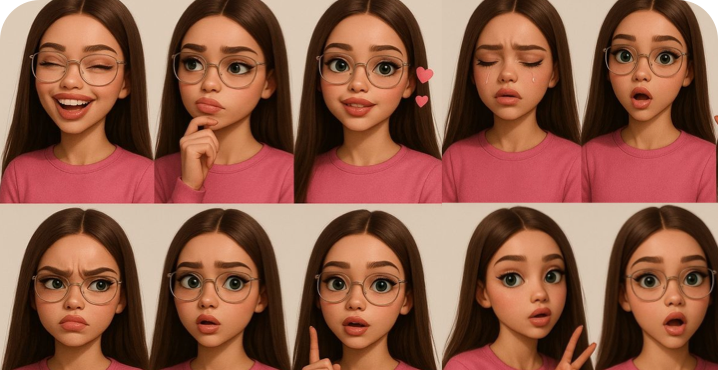
Whether you're producing a single image or a series, Seedream 5.0 Lite is designed to maintain subject, style, and character consistency, so your visuals feel like they belong together.

Easy AI Creation for Everyone
You don't need design experience or technical skills to get good results. Describe what you want in plain language, and Seedream 5.0 Lite handles the rest.
How to Use Seedream 5.0 Lite on EaseDone AI
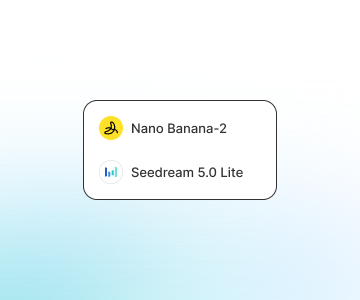
Step 1: Select Seedream 5.0 Lite
Open EaseDone AI and choose Seedream 5.0 Lite from the list of available AI image generation models. You can also choose Nano Banana 2 or GPT Image 2.
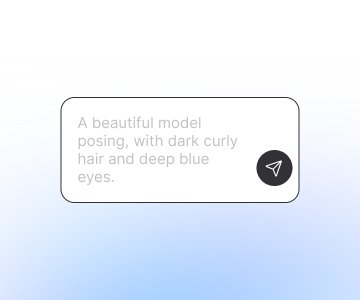
Step 2: Enter Your Prompt or Upload a Reference Image
Describe the image you want to create in plain language, or upload a reference image to guide the style, subject, or layout.

Step 3: Generate and Refine Your Image
Review your result, tweak your prompt if needed, and generate again until you're happy with it. Once you're satisfied, download your final image.
User Reviews
User Reviews
 Elara
ElaraSeedream 5.0 Lite actually understands what I'm asking for, even when my prompts are pretty specific. It's cut down my revision time by a lot.
 Luca
LucaI use it for campaign visuals, and the consistency across a set of images is what sold me. My brand assets finally look like they belong together.
 Mira
MiraAs someone posting daily, I need speed without sacrificing quality. Seedream 5.0 Lite gives me clean, scroll-stopping images in minutes.
 Sienna
Product photography used to mean a full shoot. Now I generate clean product visuals for my store in a fraction of the time.
 Arlo
ArloI'm not a designer, but Seedream 5.0 Lite makes it easy to create visuals for class projects and presentations that actually look good.
 Blanche
The editing feature is what impressed me most. It keeps faces and lighting intact while still applying the changes I want.
FAQ
FAQ
What is Seedream 5.0 Lite?

How does Seedream 5.0 Lite work?
Is Seedream 5.0 Lite free to use?
What can I create with Seedream 5.0 Lite?
How is Seedream 5.0 Lite different from previous Seedream models?
Can Seedream 5.0 Lite edit existing images?